

Best Commercial Security Systems 2026: Top Picks & Costs
Table of Contents
Quick Comparison: Best Commercial Security Systems of 2026
How We Evaluated These Commercial Security Systems
Top Commercial Security Systems for 2026
Solink: Best for Retail Loss Prevention
Avigilon: Best for Enterprise-Grade Video Analytics
Verkada: Best for Cloud-Managed Simplicity
Rhombus Systems: Best for Fast Deployment and Integrations
Eagle Eye Networks: Best for Flexible, Open Platforms
ADT Commercial: Best for National Full-Service Coverage
Vivint: Best for Smart Automation Integration
SimpliSafe: Best for Cost-Conscious Small Businesses
Brinks Home: Best for Established Brand Reliability
Bay Safe and Lock: Best for Local Hardware and Access Control Expertise
Which Commercial Security System Should You Choose?
Understanding Commercial Alarm System Cost
Business Security Camera Installation Best Practices
Access Control System Benefits for Commercial Properties
Conclusion
Frequently Asked Questions
Last Updated: September 16, 2026
Quick Comparison: Best Commercial Security Systems of 2026
Choosing the best commercial security systems 2026 has to offer starts with matching the platform to your building, not chasing the longest feature list. This guide from Bay Safe and Lock covers ten systems, what drives commercial alarm system cost, and the installation practices that separate a reliable deployment from a costly one.
Quick Picks:
Best for Local Hardware and Access Control: Bay Safe and Lock, licensed, insured, and background-checked technicians for locks, master key systems, and door hardware
Best for Retail Loss Prevention: Solink, ties video to point-of-sale data
Best for Enterprise Video Analytics: Avigilon, high-definition cameras with AI object detection
Best for Cloud Simplicity: Verkada, one dashboard for cameras, access, and sensors
Best Budget Path: SimpliSafe, no-contract monitoring for small spaces
System | Best For | Pricing Model | Standout Feature |
Bay Safe and Lock | Local hardware and access control | Project-based quote | Master key systems and safe service |
Solink | Retail loss prevention | Subscription | POS integration |
Avigilon | Enterprise video analytics | Hardware plus licensing | AI object detection |
Verkada | Cloud-managed simplicity | Subscription | Unified dashboard |
Rhombus Systems | Fast deployment | Subscription | Third-party integrations |
Eagle Eye Networks | Open platforms | Subscription | Open API |
ADT Commercial | National coverage | Contract-based | 24/7 monitoring |
Vivint | Smart automation | Subscription plus financing | Smart device integration |
SimpliSafe | Cost-conscious businesses | Subscription | No long-term contracts |
Brinks Home | Brand reliability | Subscription plus equipment | Cellular and battery backup |
How We Evaluated These Commercial Security Systems
Commercial security systems are integrated combinations of cameras, alarm panels, motion sensors, access control hardware, and monitoring services that protect a business and record what happens on site. We scored each option on hardware quality, monitoring depth, access control integration, scalability, and total cost of ownership. A common mistake is treating a residential kit as a commercial platform: the hardware looks similar, but user permissions, retention requirements, and offline behavior differ.
Top Commercial Security Systems for 2026
The ten systems below span cloud video platforms, national monitoring providers, and local hardware specialists. The right pick depends on whether your priority is analytics, monitoring, or the physical locks and doors.

Solink: Best for Retail Loss Prevention
Solink is a cloud-based video platform built around point-of-sale data, so a manager can pull up a transaction and the matching camera footage in the same view. For restaurants and retail, that turns video surveillance into an operational tool rather than passive recording. The tradeoff: cloud functionality depends on reliable high-speed internet.
Avigilon: Best for Enterprise-Grade Video Analytics
Avigilon targets large facilities that need high-definition recording and AI-powered object detection across dozens or hundreds of cameras. Access control integration and a scalable architecture suit industrial sites and multi-building campuses. Expect a higher cost of entry than a do-it-yourself setup, and plan for professional installation.
Verkada: Best for Cloud-Managed Simplicity
Verkada bundles video surveillance, access control, and environmental sensors into a single cloud dashboard, with automatic firmware and security updates handled for you. Organizations that want one interface and minimal on-site maintenance tend to like it. The catch is ongoing subscription licensing; hardware is only part of the bill.
Rhombus Systems: Best for Fast Deployment and Integrations
Rhombus uses plug-and-play cameras and cloud-native management, which shortens deployment time for offices and distributed locations. Real-time alerts and integrations with tools like Slack and Okta let security events flow into the systems your team already uses. The tradeoff is limited offline functionality; this platform leans on connectivity.
Eagle Eye Networks: Best for Flexible, Open Platforms
Eagle Eye runs an open platform with an API for custom integrations and support for both analog and IP cameras, which matters if you are upgrading a building with existing hardware. Cyber-secure cloud storage and remote monitoring round out the package. The flexibility comes with complexity, so professional installation is usually the sensible route.
ADT Commercial: Best for National Full-Service Coverage
ADT Commercial provides 24/7 professional monitoring, fire and life safety integration, intrusion detection, and access control through a national technician network. Businesses with multiple sites in different states get consistent service under one contract. The drawback is contract structure; long-term agreements are standard, reducing flexibility if your needs change.
Vivint: Best for Smart Automation Integration
Vivint combines smart business automation, AI-enabled outdoor cameras, professional installation, and 24/7 monitoring in one package. Small and mid-sized businesses that want lighting, locks, and cameras under a single app find it convenient. Equipment costs run high, and financing spreads that expense rather than removing it.
SimpliSafe: Best for Cost-Conscious Small Businesses
SimpliSafe sells a do-it-yourself system with no long-term contracts and cellular backup for monitoring. For a startup or small office, it covers intrusion and environmental sensors without a multi-year commitment. It lacks the enterprise-grade analytics of dedicated commercial platforms, so it suits smaller footprints rather than multi-site operations.
Brinks Home: Best for Established Brand Reliability
Brinks Home pairs professional installation with 24/7 alarm monitoring and cellular plus battery backup. Businesses that value a long-established provider and responsive support tend to land here. Upfront equipment costs are higher, and pricing starts with equipment rather than a flat monthly figure.
Bay Safe and Lock: Best for Local Hardware and Access Control Expertise
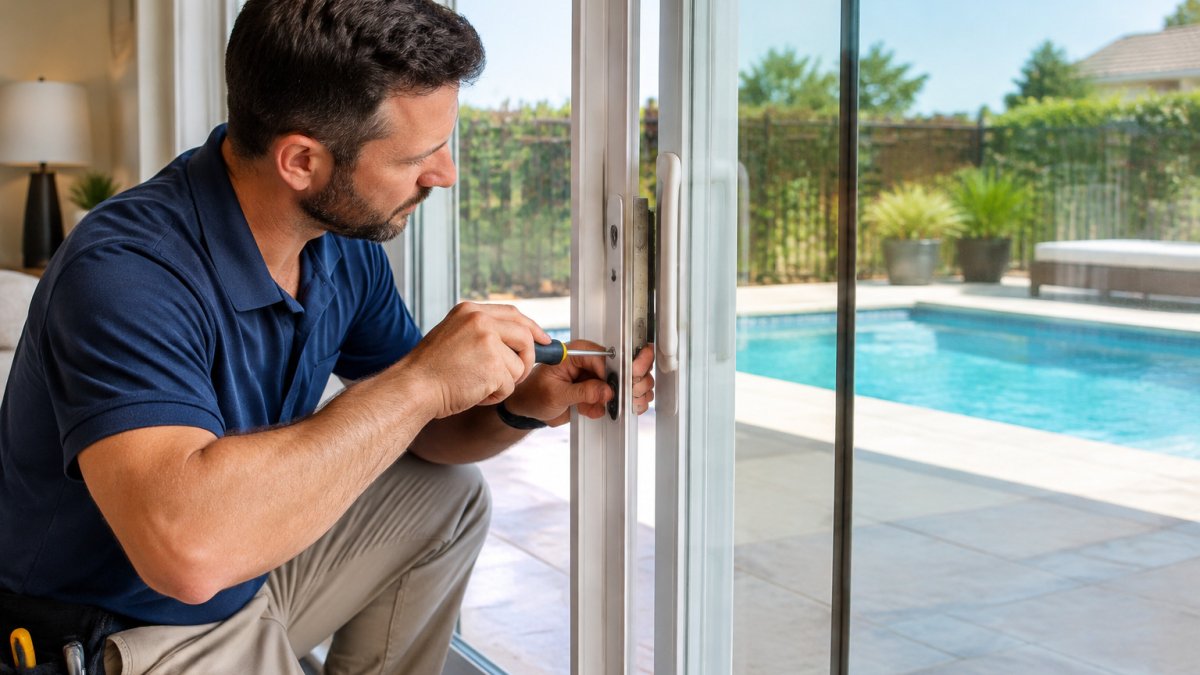
Bay Safe and Lock handles the physical side of commercial security: rekeying, master key systems, high-security locks, panic bar installation, and specialized safe opening and repair. The team is licensed, fully insured, and Federal level 2 background checked, with over a decade of hands-on experience across residential, commercial, and industrial properties.
Pro Tip Ask for a master key schedule before installation begins, not after. Mapping which key opens which door on paper prevents the most expensive mistake in access control: discovering two months in that a terminated employee's key still opens the loading dock.
Which Commercial Security System Should You Choose?
Match the system to your biggest risk. Retail stores fighting shrink should start with Solink or a comparable POS-integrated platform. Enterprises with large camera counts need Avigilon or Verkada. Businesses whose real exposure is unauthorized key access, weak door hardware, or an unsecured safe should start with a locksmith and access control specialist like Bay Safe and Lock, then layer monitoring on top.
Your Priority | Recommended Path | Why |
Stop internal key misuse | Restricted key system | Limits who can copy keys |
Track who enters restricted areas | Access control with audit trail | Records entry by user and time |
Reduce retail shrink | POS-integrated video | Ties transactions to footage |
Cover multiple sites | National monitoring contract | One provider, consistent service |
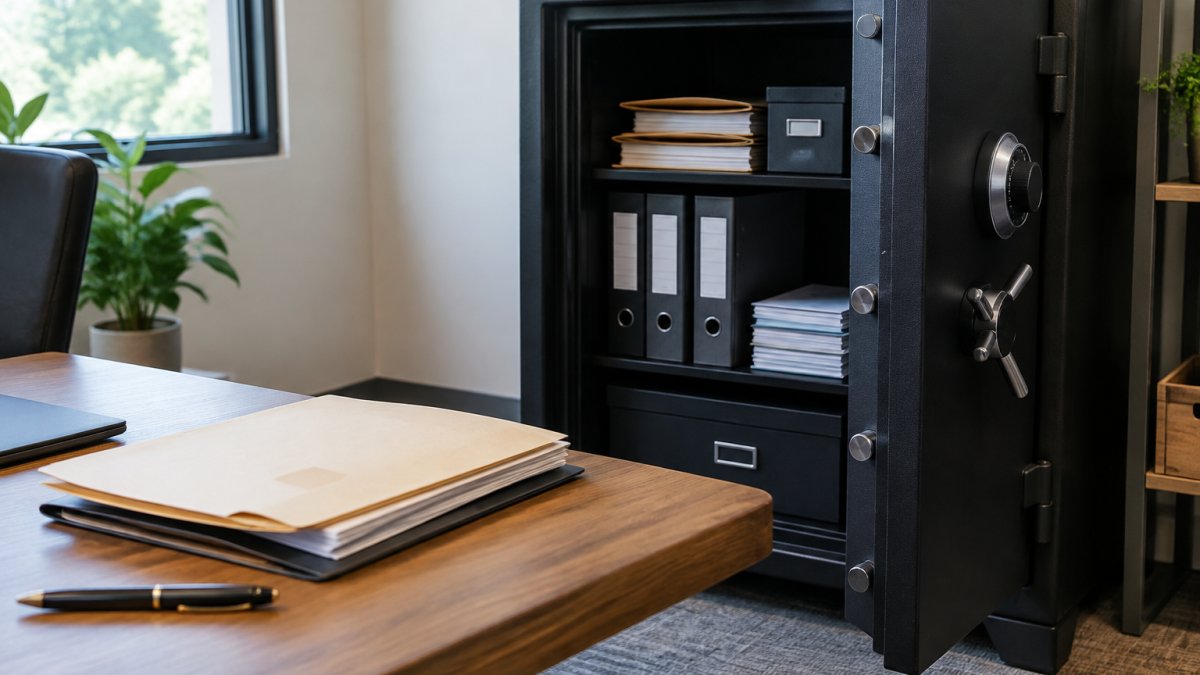
Protect a legacy safe | Professional safe service | Opening and repair without replacement |
Understanding Commercial Alarm System Cost
Year-one hardware and installation total
Annual monitoring or licensing fee, multiplied by five
Estimated maintenance and battery/service cost over five years
Expected hardware refresh cost in years five to seven
Watch Out The most common budgeting error is comparing first-year quotes across vendors. A low hardware price with a high monthly licensing fee can cost more over five years than a higher upfront system with cheaper monitoring. Always request the five-year total in writing, including the maintenance line most quotes omit.
Compliance and insurance as cost offsets. Some commercial insurers discount premiums when a property has monitored intrusion detection, verified alarm response, and documented access control. Fire and life safety integration may be required by local code for occupancy, turning a "cost" into a permit condition. Ask your carrier and local authority having jurisdiction what documentation they accept, central station monitoring certificates, inspection records, and access logs are common. The discount rarely covers the whole system, but it changes the five-year math.
Key Takeaway Compare vendors on five-year total cost of ownership, not first-year price. Hardware, monitoring, maintenance, and refresh are four separate lines, a quote that hides any of them is not a quote, it is a sales pitch.
Business Security Camera Installation Best Practices
Business security camera installation best practices come down to placement, coverage, and wiring. Mount cameras at height with a clear field of view over entries, cash handling areas, and loading docks, and avoid aiming them at bright light sources that wash out night vision.
Cover every entry and exit, plus the path between them
Place cameras to capture faces at eye level near doors, not just overhead
Use motion sensors to trigger recording and cut false alarms
Confirm night vision range matches the actual distance to your target area
Run cable through conduit in exposed areas to prevent tampering
Label and document every camera location for future maintenance
Access Control System Benefits for Commercial Properties
Access control system benefits show up fastest in facilities that must track who goes where: medical centers, assisted care facilities, and industrial sites. A card or biometric reader logs every entry by user and timestamp, answering what a mechanical lock cannot: who was in the restricted area, and when. The bigger benefit most guides skip is integration.
How the three layers actually connect.
Access control decides who may enter and records the attempt, granted or denied.
The alarm panel receives door-held-open, forced-door, and door-forced-open events and can trigger an alert or a lockdown.
Video ties a camera to the door so that every badge event has matching footage. When an incident happens, you pull the credential log, click the event, and the camera clip for that timestamp loads automatically.
Credential types and where each fits.
Proximity cards and fobs, the workhorse for offices and warehouses. Low cost per credential, easy to issue and revoke.
Mobile credentials, a phone-based badge. Convenient, but requires reader hardware that supports it and a policy for lost or wiped phones.
PIN codes, useful for shared doors or after-hours entry, but PINs get shared. Treat them as a convenience layer, not a security layer.
Biometrics, fingerprint or facial recognition. Highest assurance, highest cost, and the most policy scrutiny. Best reserved for a small number of high-security doors rather than every entry.
Mechanical keys with restricted blanks, still the right answer for utility closets, server rooms, and any door where electronics are impractical. Restricted keyways prevent unauthorized duplication, and a master key schedule keeps the hierarchy documented.
Pro Tip Before you buy readers, walk every door and decide three things: who is allowed through, what credential type fits that traffic, and whether the door hardware can be electrified without a full frame replacement. The reader is the cheap part; the door is where budgets break.
Key Takeaway The strongest commercial setup combines physical hardware and digital oversight: restricted key blanks and quality door hardware to stop entry, access control to record it, alarm integration to react to it, and cameras to verify it.
Conclusion
Every commercial property has a weakest link, and it is usually a door, a key, or an old safe rather than a camera. Bay Safe and Lock brings over a decade of hands-on experience, licensed and fully insured technicians, and Federal level 2 background-checked staff to master key systems, high-security locks, panic bar installation, and specialized safe opening and repair.
Frequently Asked Questions
What is the best commercial security system?
The best commercial security system depends on your priorities. Solink excels for retail loss prevention by integrating point-of-sale data with video. Avigilon leads for large facilities needing advanced video analytics. Verkada offers a user-friendly cloud platform. For businesses that need local hardware expertise and access control, Bay Safe and Lock provides professional installation and maintenance. Evaluate your budget, scalability needs, and required integrations before deciding.
How much does a commercial alarm system cost?
Commercial alarm system cost varies widely based on property size, number of sensors, monitoring services, and installation complexity. Most systems involve equipment fees plus a monthly subscription for professional monitoring. Cloud-based platforms often bundle software licensing into the subscription. Because pricing depends on your specific requirements, request a custom quote from a licensed provider to get accurate numbers for your business.
Do commercial security systems require professional monitoring?
Professional monitoring is not always required, but it is highly recommended for businesses. A monitored system ensures that alarms trigger an immediate response from authorities or designated personnel, which can reduce loss and liability. Some systems offer self-monitoring through mobile apps, but this relies on someone being available to respond. For high-risk environments like medical facilities or retail stores, professional monitoring is typically worth the ongoing cost.
What features are essential for a modern commercial security system?
Essential features include high-definition video surveillance, motion sensors, real-time alerts, and remote access via a mobile app. Access control integration, such as keycard or biometric entry, adds another layer of security. Cloud-based management allows you to monitor multiple locations from anywhere. Look for systems with encrypted data, battery backup, and cellular redundancy to maintain operation during power or internet outages. Scalability is also important as your business grows.
How does access control integration improve business security?
Access control integration lets you manage who enters specific areas and when. You can assign user permissions, track entry logs, and revoke access instantly if an employee leaves. This reduces the risk of unauthorized entry and helps with compliance requirements. Integration with video surveillance provides visual verification of access events. For businesses with restricted areas, such as medical centers or industrial sites, access control is a critical component of a complete security strategy.
NEED AN ESTIMATE FOR YOUR PROJECT? CLICK HERE

Comments